
A new job has arrived, but the customer intake form is half-filled. There's no site photo, the attached document won't open, and the preferred installation date is buried in an email. Someone now has to spend the afternoon chasing information before the estimator can even assess the work.
A good intake process saves more than typing time. It gives the next person a usable brief, makes missing information visible and keeps sensitive documents out of scattered inboxes. The useful question isn't whether a form looks professional. It's whether your team can act on the submission without rebuilding it.
These seven client intake software approaches suit different operating needs, from digitising a paper form to managing collection, validation and routing around existing systems. Each is judged on structured fields, document and photo capture, validation, and the handoff into team workflows. Presentation still matters, especially when intake follows a landing page. Treat landing page optimization for 2026 as the front-door consideration, then make sure the form produces something your team can use.
Table of Contents
- 1. Intake Automation
- 2. Jotform
- 3. Paperform
- 4. Cognito Forms
- 5. Typeform
- 6. Snapforms
- 7. Webforms.au
- Customer intake form options at a glance
- Choosing the Intake Pattern That Fits Your Workflow
1. Intake Automation
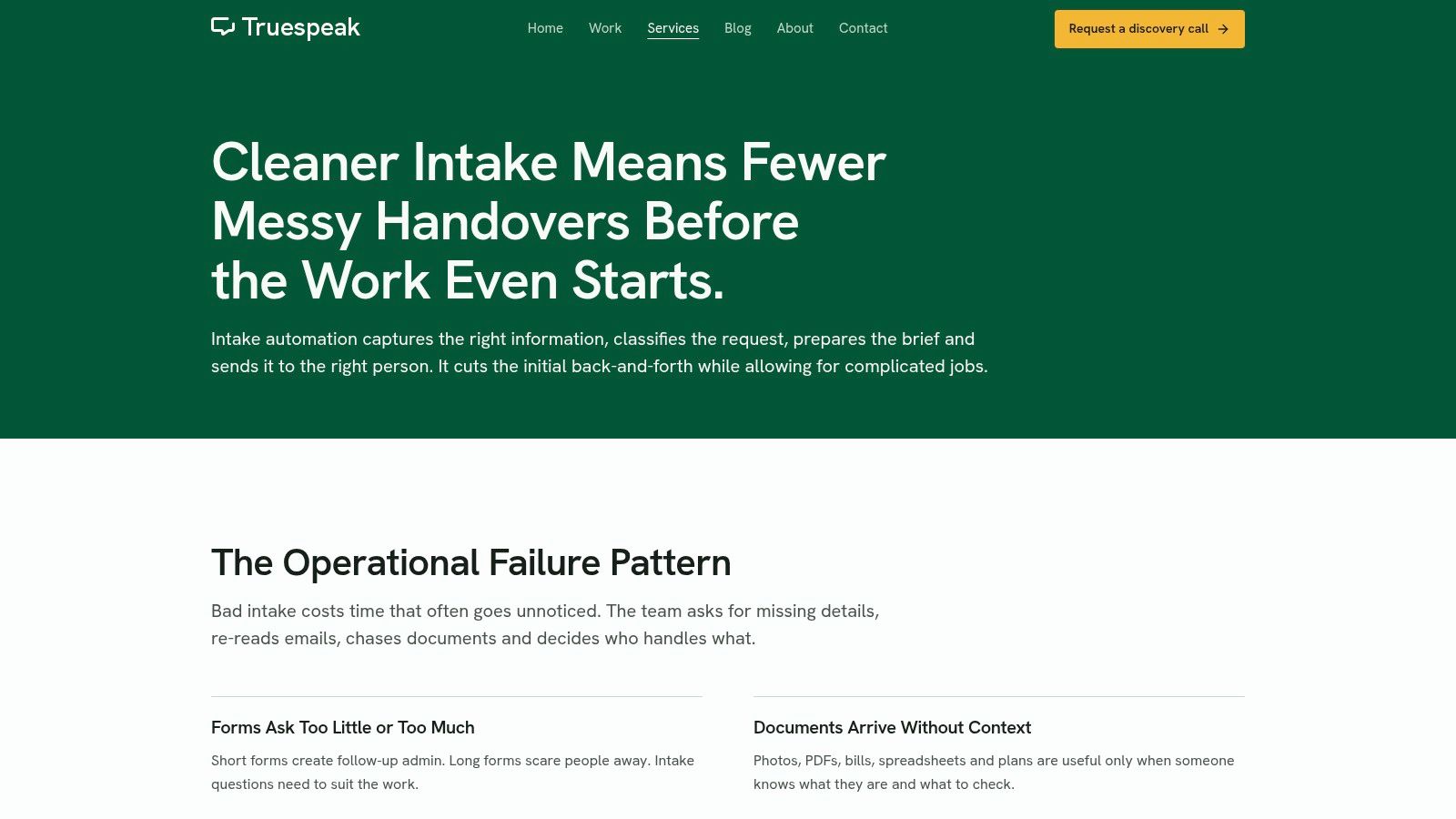
An intake can look complete and still leave the team unable to act. The service address may be there, but the necessary photos are missing, or the brief has not reached the person who needs to assess it. Intake automation addresses the work between submission and a useful human handoff.
Truespeak's Intake Automation produces cleaner forms, documents, photos and briefs before a human call or admin handoff. It can structure incoming information around the decision the receiving team needs to make, while keeping the process connected to tools already in use.
Build the Handoff Before Adding Fields
For an installer, the first decision might depend on the service address, equipment type, access constraints and relevant photos. A professional services firm may need the requested service, deadline and supporting documents before assigning a reviewer. In both cases, capture only what helps the next person assess and route the request.
The guide to what a client intake form should include can help distinguish information needed at the outset from details that can wait. Set clear states for missing information, ready for review and ready for work in a customer onboarding checklist so a submission is not mistaken for a complete brief.
- Structured collection: Keep job details, attachments and the operational brief connected.
- Validation and exceptions: Flag missing information and route sensitive or client-impacting decisions for human approval.
- Handoff: Make ownership and the next action clear to the receiving team.
- Trade-off: The workflow depends on staff defining intake requirements, ownership and exceptions before configuration.
The practical starting point is to review current inboxes, forms, CRM records, documents and spreadsheets, then identify the first operating gap worth fixing.
Practical rule: A submitted form isn't a completed intake until someone owns the next action.
Intake should also preserve context when a request passes into customer service. These inquiry handling strategies from Recepta offer a useful companion perspective on managing that transition.
2. Jotform
Jotform can handle intake that needs more than contact details. Templates, conditional fields, file uploads, payments and e-signatures support forms that gather information for a more formal onboarding process.
For an air-conditioning business, repair and installation enquiries need different details. A service selector can show the right questions for each job, then request equipment photos or plans when they help with assessment. Keep the fields structured so the answers, attachments and resulting brief stay connected.
Broad Capability, but Ownership Still Matters
Jotform brings several collection tasks into one form. Staff still need to decide what happens after submission: how information reaches the CRM, who owns the next action, and how to handle a failed transfer.
- Useful starting point: A free plan lets a small business try an intake design before committing.
- Commercial trade-off: Free-plan branding and limits may constrain use. Check submission and storage allowances as attachments accumulate.
- Handoff requirement: Map service type, location and timing to separate fields, rather than relying on a notification email.
Listed paid plans start at US$34 per month billed annually, per Jotform's published pricing; published USD pricing also means the AUD cost can vary.
Before launch, test a routine submission, one with missing attachments, and a repeat job from an existing customer. Planning how to automate client intake into your CRM helps clarify field mapping, record matching and ownership beyond delivering the form.
3. Paperform
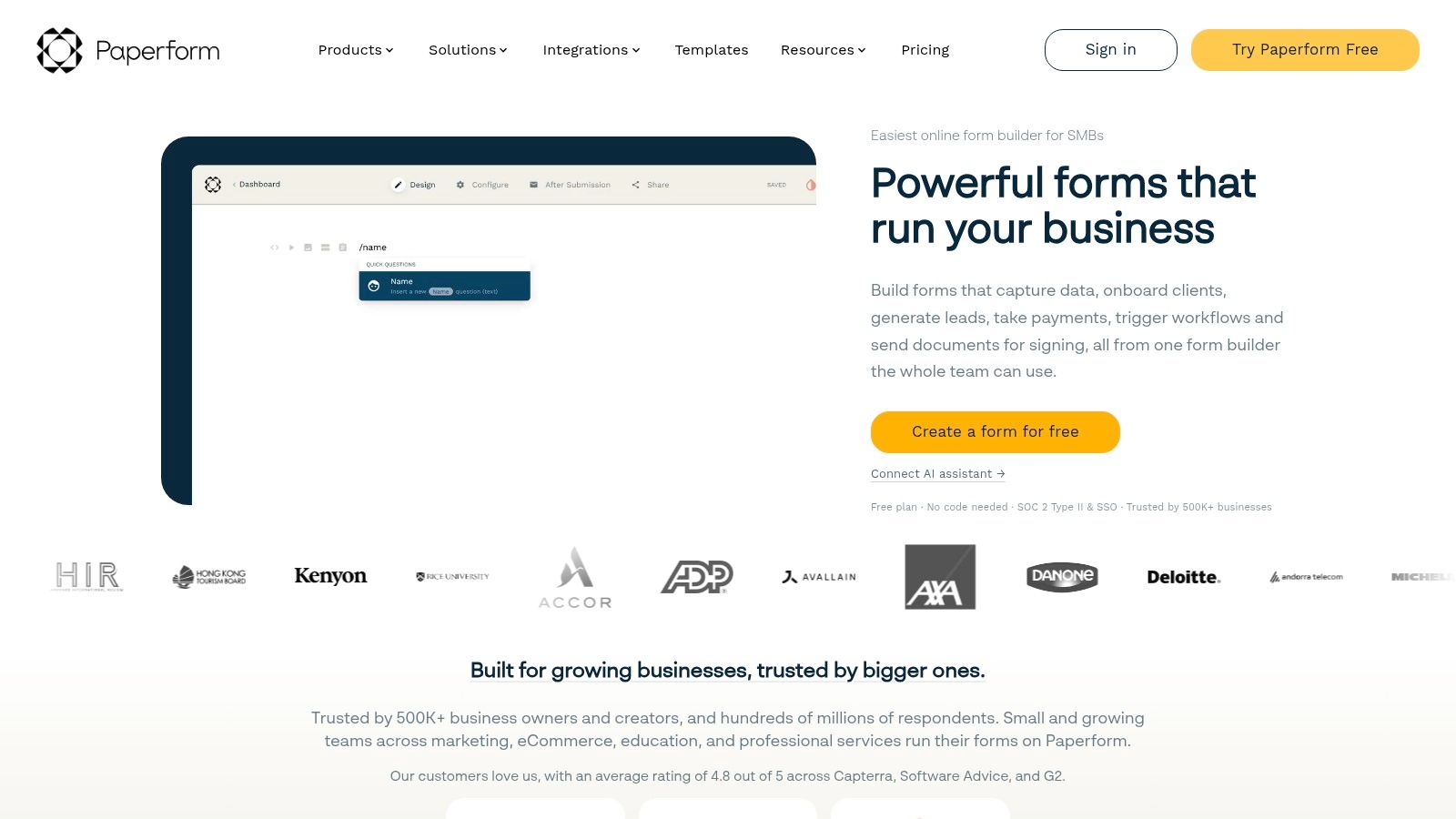
A detailed project brief doesn't have to look like an administrative questionnaire. Paperform suits businesses that want a branded intake page, with explanatory content around the questions rather than a bare sequence of fields.
That makes it a sensible candidate for design briefs, renovation enquiries and professional service scoping. Use the presentation space to explain which documents or photos are useful and why. Keep operational answers structured, even when the surrounding page feels editorial.
Separate Presentation from Processing
Paperform supports integrations through direct connections, Zapier and Make, alongside workflow and signed-document options. Those connections need deliberate mapping: a beautifully formatted brief still creates rework if staff must copy the service category and deadline into another system.
- Strong fit: Branded, detailed questionnaires where customers benefit from context.
- Watch the scope: Long briefing pages can collect information that isn't needed until after qualification.
- Plan restrictions: Team administration and some data-residency controls depend on the plan, while integration services may add costs.
Paperform lists a free plan allowing 30 submissions per month, with annual pricing of US$49 per month for Pro and US$124 per month for Business. The free plan also carries Paperform branding.
For privacy-covered organisations, the Australian Privacy Principles require a defensible connection between personal information collected and the organisation's functions or activities. Apply that discipline to every field: if nobody can explain how the answer changes the next action, remove it or defer it.
4. Cognito Forms
Choose Cognito Forms when the answers change the process, not just the next question. It's a candidate for intake that needs conditional logic, data lookups, approvals or internal review before work can proceed.
For a maintenance contractor, a request for routine servicing might go straight to scheduling, while a request involving uncertain scope needs an assessor. Build the form around those branches, then attach supporting documents and photos to the same operational record wherever the configured workflow permits.
Cognito Forms offers unlimited forms on all plans, with 100 entries per month on the free plan and listed annual prices of US$19 per month for Pro and US$39 per month for Team. Entry allowances still apply, so unlimited forms shouldn't be mistaken for unlimited intake volume.
Make Review a Defined Stage
Paid tiers add capabilities such as e-signatures, save-and-resume, client portals, workflows and approvals. The trade-off is configuration effort: conditional paths and approval rules need testing against awkward answers, not just ideal submissions.
Don't make a customer invent an answer just to satisfy a required field. Provide an uncertainty path and route it for review.
Keep customer-supplied facts separate from staff decisions. A customer can describe the problem and upload supporting material; a reviewer should confirm scope, suitability or approval.
Consent deserves similar precision. OAIC guidance on consent makes clear that displaying a notice doesn't establish consent. Keep an intake privacy explanation separate from optional marketing permission, and explain additional uses clearly rather than hiding them inside a general acknowledgement.
5. Typeform
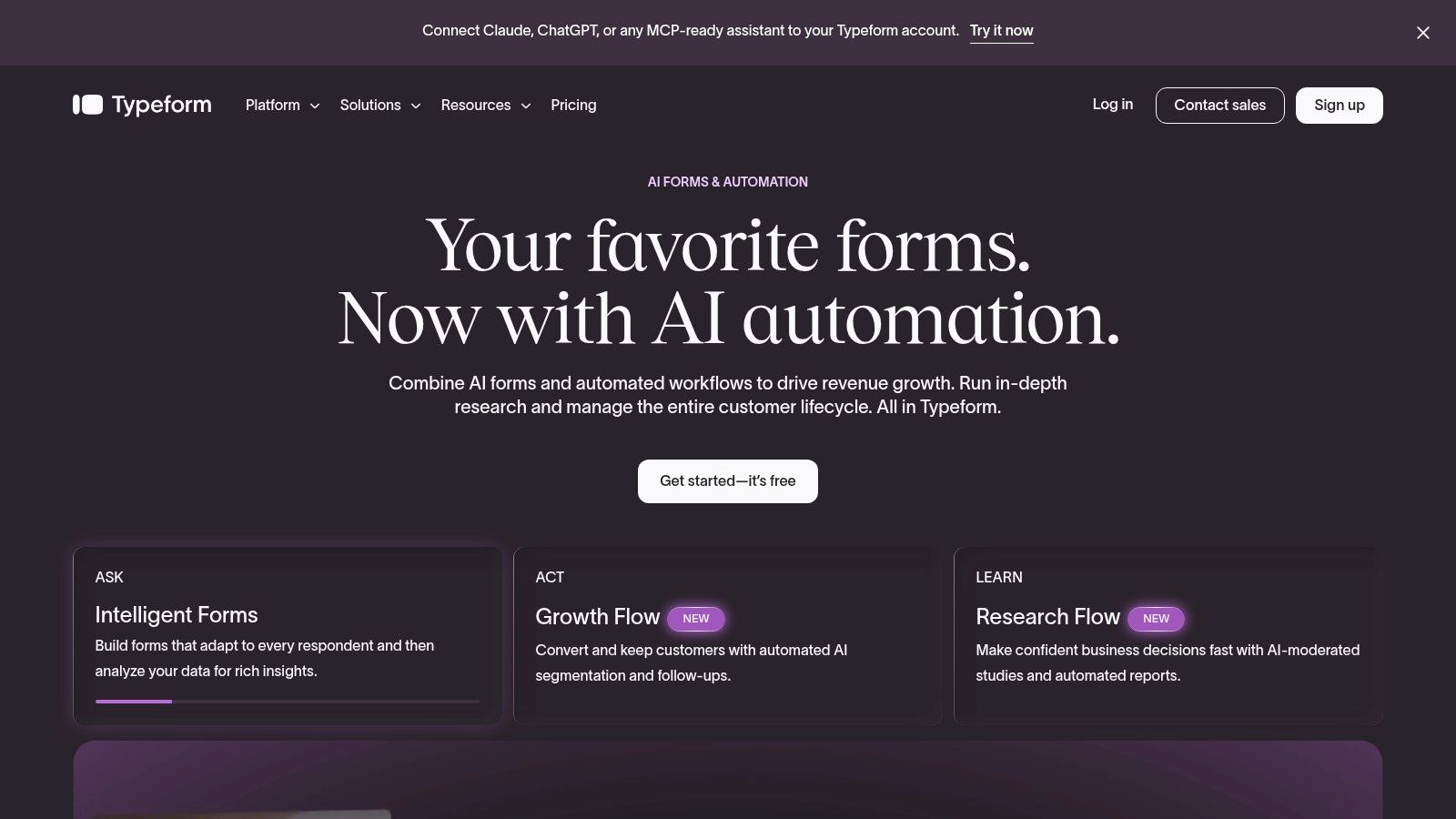
Typeform is strongest as a guided front door. Its one-question-at-a-time presentation suits short qualification flows where customers need help identifying the right service or describing an initial project.
It's less convenient when someone needs to review a long brief, compare answers or gather several documents before proceeding. For those jobs, separate initial qualification from detailed collection rather than forcing the whole onboarding process into a conversational sequence.
Keep the First Interaction Useful
Typeform supports conditional paths, integrations and webhooks for moving responses into other tools. Treat attachment requirements as a specific evaluation task: test the necessary document and photo journey on mobile, including how staff retrieve files after handoff.
- Use structured choices: Capture service type, location and timing in fields that support routing.
- Leave room for context: Include an optional explanation rather than forcing every situation into preset choices.
- Define the destination: Send answers to named CRM fields and a responsible queue, not just an email recipient.
Typeform lists Basic at US$39 per month, Plus at US$79 per month and Business at US$129 per month, with annual billing able to reduce the monthly equivalent. Response allowances, custom branding and advanced follow-up capabilities need checking against the intended plan.
The useful comparison is short guided qualification versus complete operational briefing, not conversational design versus conventional design. This overview of client intake software can help frame the broader choice around what must happen after the customer responds.
6. Snapforms
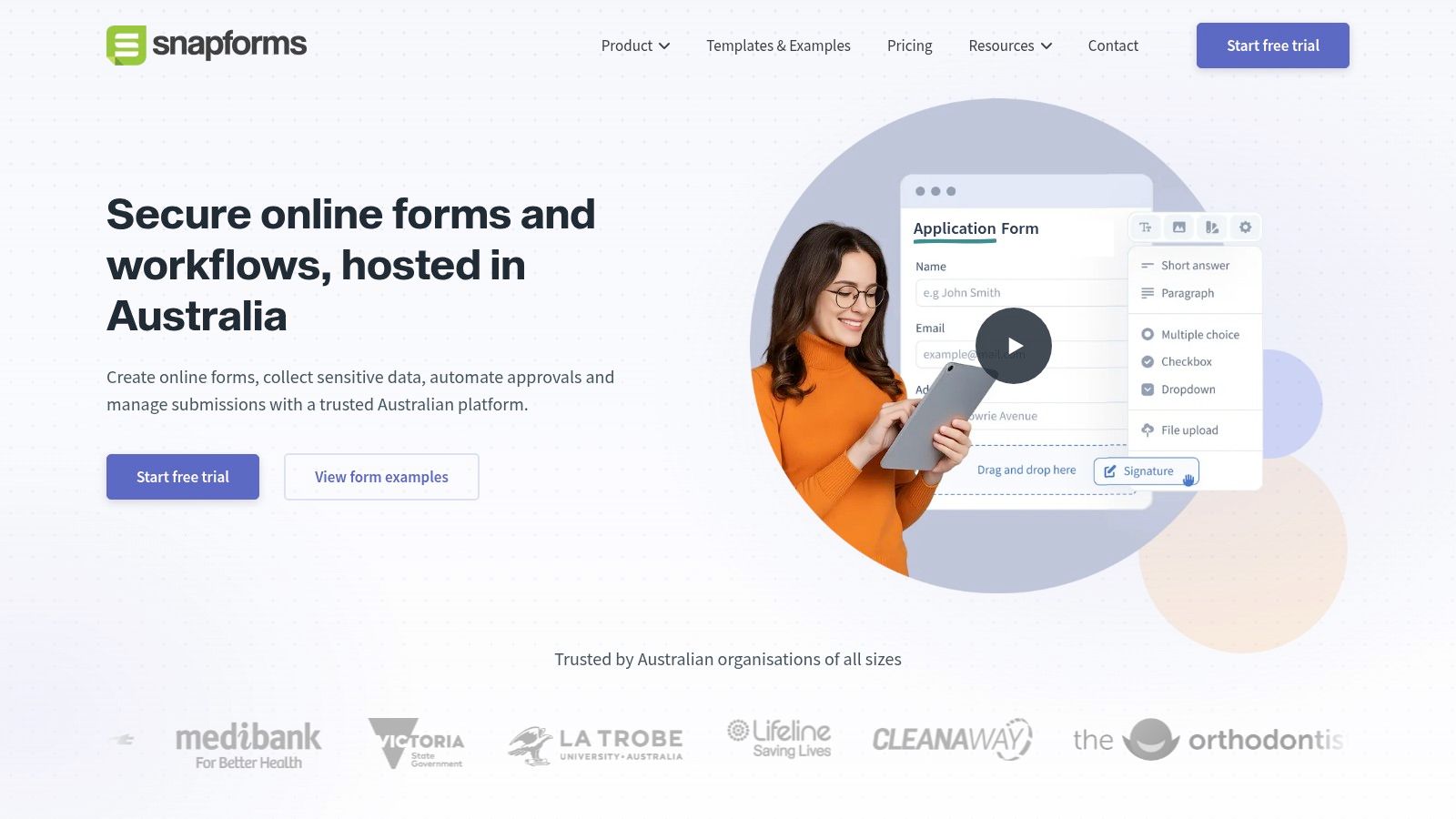
For an appointment-based business using coreplus, the important question is whether completed intake reaches the client record before the appointment. Snapforms has a documented integration aimed at that handoff, making it relevant to Australian health and allied-health operators.
Forms can support registration, intake, referrals, consent and assessments. Appointment communications can send forms by SMS or email, and customers can complete them on mobile devices before attending.
Connected Records Need Usable Fields
The coreplus integration can populate client records and attach a PDF of completed forms. Distinguish those outcomes during evaluation: a filed PDF preserves the submission, while populated fields help staff use the information.
- Integration advantage: Particularly relevant when coreplus already holds appointments and client records.
- Capture test: Confirm that required documents and photos can follow the intended journey and remain accessible to authorised staff.
- Validation test: Check how incomplete forms, unmatched clients and corrected responses are handled.
- Cost consideration: Snapforms offers a 30-day free trial, with AUD pricing dependent on the number of forms.
Sensitive information changes the operating requirements. Under the OAIC's explanation of the Privacy Act, health-service providers can be covered regardless of turnover, while most private-sector coverage generally applies above AUD 3 million in annual turnover, subject to exceptions.
Don't treat an integration as a privacy decision. Set access rules, collection purposes and retention arrangements, and establish who reviews sensitive responses before anyone acts on them.
7. Webforms.au
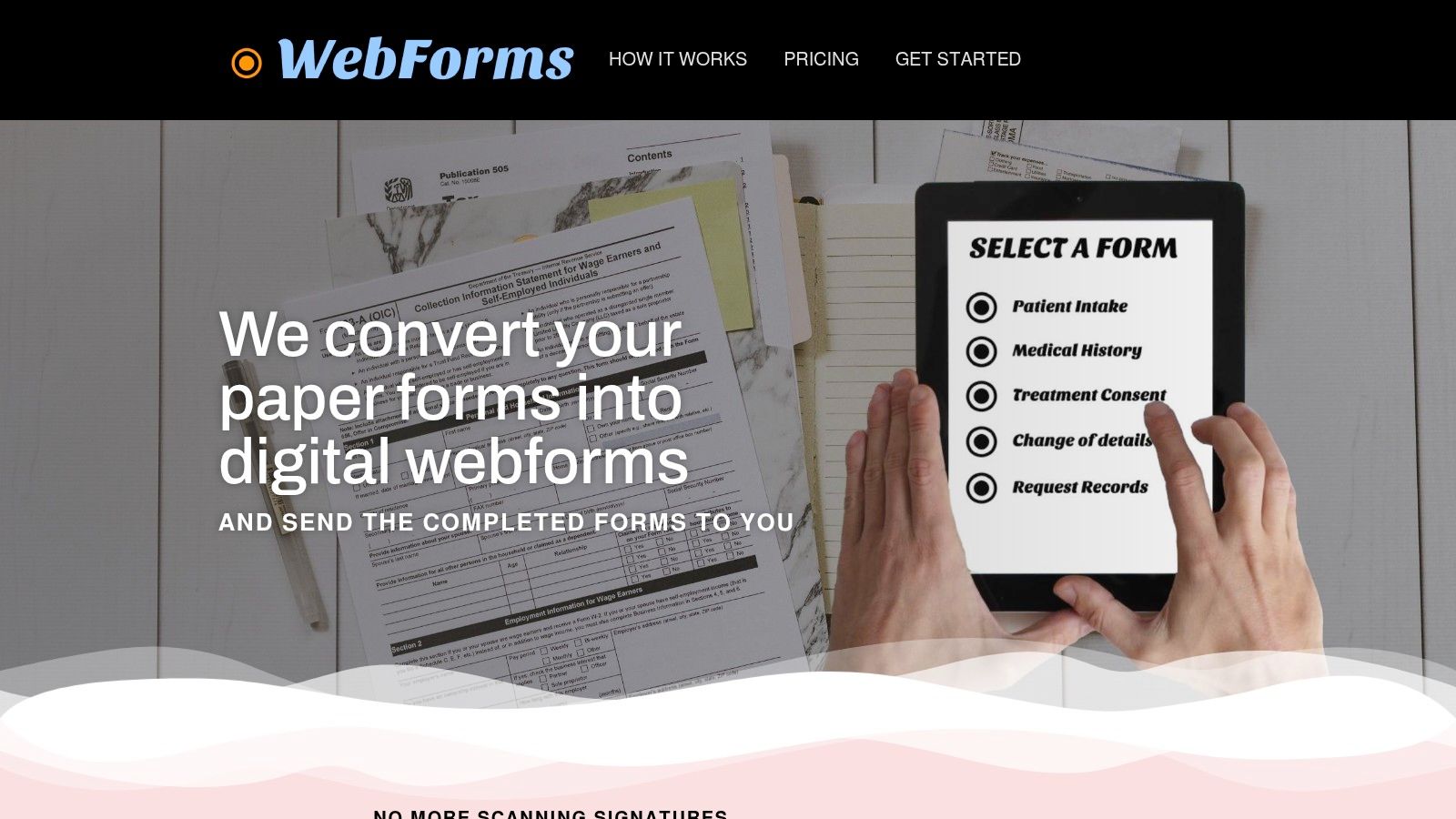
Sometimes the right starting point is replacing a paper form, not building an integrated intake operation. Webforms.au suits that narrower requirement, converting existing forms into branded online versions and delivering completed submissions as PDFs.
For a small service business with an established records folder and a clear admin owner, that can be a practical improvement. It removes the need to interpret handwriting or scan completed paper forms without introducing a broader platform.
Know Where Digitisation Stops
Webforms.au supports digital signatures, conditional fields and save-and-resume. The provider describes PDF delivery through encrypted email and says it doesn't retain copies of submissions in its system.
Webforms.au lists A$25 per month for up to 10 forms, with unlimited customer entries. That's a straightforward local pricing structure, but the operating cost also includes whatever staff must do after receiving each PDF.
- Good fit: Existing intake or consent forms that staff want to receive and file digitally.
- Main limitation: PDF delivery doesn't necessarily populate CRM fields, assign work or trigger targeted follow-up.
- Important test: Establish how supporting photos and documents are collected, delivered and linked to the correct submission.
Handoff test: If staff open the PDF and retype its contents, you've digitised collection but retained manual processing.
The provider's stated non-retention approach doesn't remove your responsibility for the copies held in email and records systems. Define who can access submissions, where attachments belong and when records should be deleted. Choose this pattern deliberately when a document is the required output, not when your team needs structured operational data.
Customer Intake Form Options at a Glance
| Best for | Starting price | Free plan or trial | Standout capability |
|---|---|---|---|
| Intake Automation: Australian businesses needing tailored intake workflows | Not published | Not specified | Built around existing systems with ongoing monitoring and refinement |
| Jotform: Flexible forms with file uploads, signatures, or payments | US$34/month, billed annually | Free plan available | Broad form features and integrations |
| Paperform: Branded, polished intake pages | US$49/month, billed annually | Free plan: 30 submissions/month | Combines branded forms with workflow and document-signing options |
| Cognito Forms: Conditional intake workflows and approvals | US$19/month, billed annually | Free plan: 100 entries/month | Unlimited forms on all plans |
| Typeform: Guided lead qualification and project briefs | US$39/month | Not specified | One-question-at-a-time forms with conditional paths |
| Snapforms: Australian appointment-based businesses, especially coreplus users | Depends on number of forms | 30-day free trial | Connects completed forms to coreplus client records |
| Webforms.au: Digitising existing paper forms | A$25/month | Not specified | Up to 10 forms with unlimited customer entries |
Choosing the Intake Pattern That Fits Your Workflow
Clean intake depends less on the form's appearance than on what the receiving team gets. Structured fields support sorting and routing; conditional validation keeps questions relevant; photos and documents supply context at the point of need. A defined owner and status tell staff what should happen next.
Choose the operating pattern before choosing the interface. Otherwise, you can spend weeks polishing questions while leaving the handoff unresolved.
- Simple digitisation: Webforms.au suits a document-first process where PDF delivery is enough.
- Branded briefs: Paperform suits detailed presentation, while Jotform offers broad collection capabilities.
- Guided qualification: Typeform suits a shorter front door; Cognito Forms merits attention for branching and review.
- Connected client records: Snapforms is particularly relevant to businesses already using coreplus.
- Managed intake operation: Use a build-and-manage approach when collection, exceptions and ownership need ongoing attention.
Scheduling deserves its own decision. Resources such as Docket's research on Chili Piper alternatives can help frame scheduling options, but a booked appointment doesn't establish that the brief is complete.
Also decide what happens to customer information before introducing AI. The Australian Cyber Security Centre's small-business AI guidance warns that personal information uploaded to generative-AI platforms can face unexpected reuse or disclosure. Keep raw personal data out of unapproved tools, restrict access and require human review for sensitive actions.
Key Takeaways
- Collect for the next decision: Defer information that isn't needed yet.
- Validate without trapping customers: Provide a route for uncertainty and incomplete briefs.
- Keep files connected: Staff shouldn't hunt across inboxes for supporting material.
- Assign the next action: Submission alone isn't an operational outcome.
Truespeak is a Sydney-based partner that builds and manages intake around existing tools. Explore our intake automation service and book a 15-minute discovery call to discuss the gap between submission and handoff. A customer intake form is only as good as what happens after it lands.
Truespeak designs, builds and manages structured intake workflows around the forms, documents, inboxes and CRM your team already uses. Visit Truespeak and describe where incomplete briefs or missing attachments slow work down; Sonny will reply by email to arrange a 15-minute discovery call.