
Key Takeaways
- Automating weekly construction client updates means gathering job records, drafting a progress summary, getting supervisor approval, sending the approved update and recording the outcome.
- A useful weekly build update covers completed work, selected site photos, next steps, homeowner decisions and answers to outstanding questions.
- The Buildxact, BuildPass, Wunderbuild, Nexvia and Procore pages checked on 22 October 2026 describe sharing construction records, but none describes writing and scheduling a complete weekly homeowner update.
- Variations, progress claims, delay notices with cost or time implications and defect disputes should stay outside the weekly update automation.
- Truespeak would design the drafting and approval workflow around the builder's existing tools, with manual steps wherever a usable connection is unavailable.
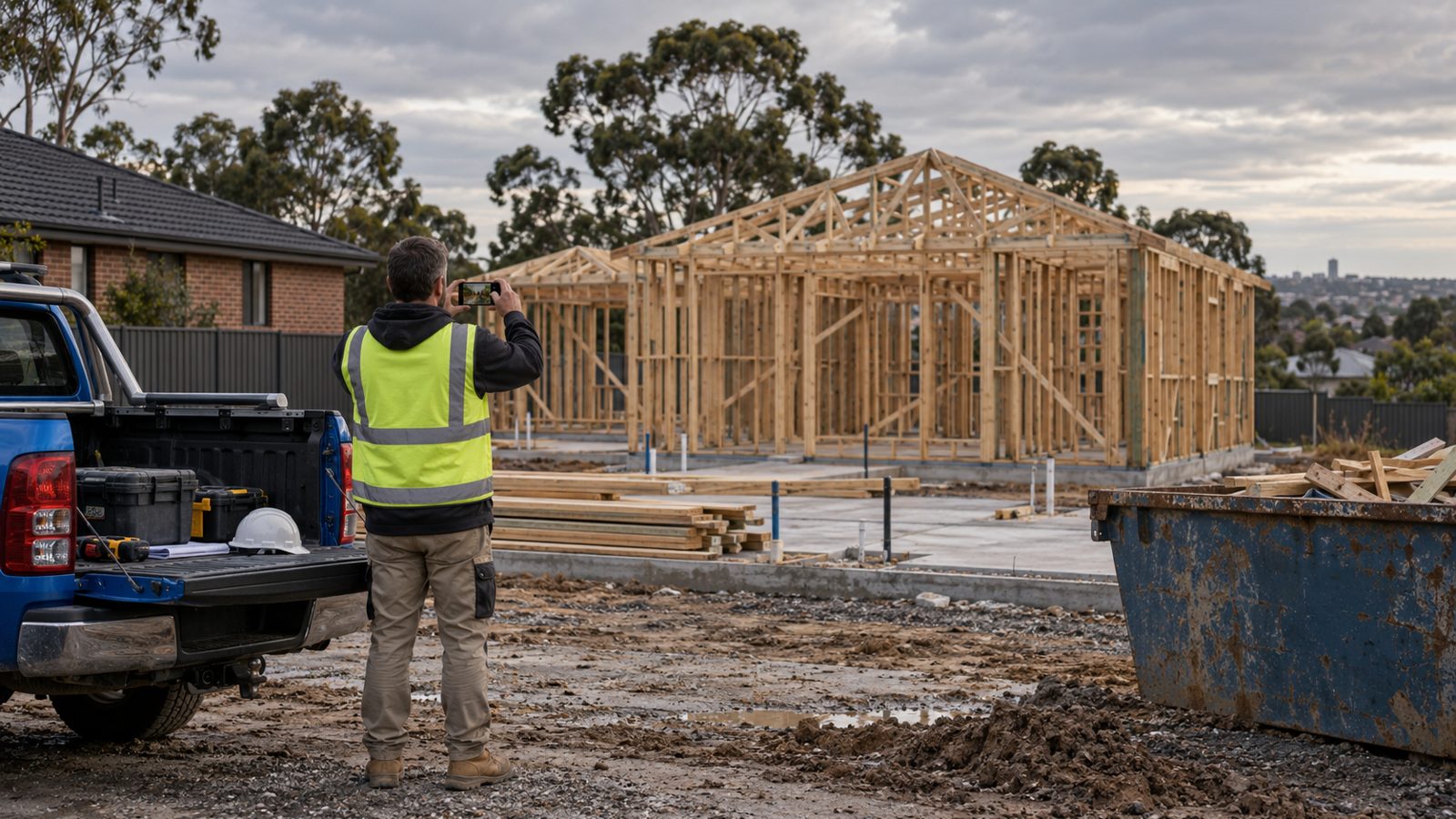
To automate client updates during construction, assemble the week's job records into a draft, have the supervisor check it, then publish the approved version and save it against the job. I'd start with the Friday update because it gives the homeowner a predictable account of progress and gives the supervisor one place to answer routine questions.
What Should a Weekly Build Update Contain?
A folder of photos leaves the homeowner to work out what happened. I'd give every update four parts:
- Completed work: a plain-English summary with three useful photos and captions explaining what each shows.
- Next steps: the next planned work and milestones, checked against the current schedule.
- Client decisions: selections or answers needed, with any formal variation identified as coming separately.
- Open questions: answers to questions received that week, or a named person responsible for following up.
The reason to send it predictably is practical: homeowners can see what happened and when they will hear from you again. Fewer status calls is the outcome to measure, so track them from week one. The broader guide to automating routine trade business communication uses the same starting point: work that repeats and has clear source records.
What Do Builder Client Portals Do Natively?
Keep a portal that already works for the business. As checked on 22 October 2026, these vendor pages describe the following sharing functions.
| Tool | Published client communication functions | What to check |
|---|---|---|
| Buildxact | Shares documents, quotes, variations and invoices, with recorded messaging. | Portal access is on Pro and Teams. Published items cannot be removed. |
| BuildPass | Shares selected photos, drawings, diaries and schedule information; tracks delivery and opens. | Resources are hidden by default. The plan table excludes the portal from Lite and includes it on Standard and Pro. |
| Wunderbuild | Lists a Client Module for viewing progress and communicating. Its communication page describes project records and messages from the diary or schedule. | Check the homeowner's mobile experience using a sample job. |
| Nexvia | Provides secure contractor and client portals with access to live project data. | Check which records the homeowner would see. |
| Procore | Daily Log records project activity and supports emailing a daily log. | Decide what needs editing before an internal log becomes a client message. |
None of these checked pages describes writing and scheduling the complete weekly update. That leaves the Friday write-up: choosing relevant evidence and explaining it to the homeowner. For Buildxact plan detail, see the Buildxact Australia plans guide.
How Does an Automated Weekly Construction Update Work?
This is the workflow I'd design around the builder's existing tool.
- Trigger: start on Friday early afternoon, or when the supervisor marks the week's diary complete, for each active job.
- Context: gather this week's photos and diary entries, the current schedule stage, next two milestones and unanswered client questions. Read variation status and the next claim stage for internal flags only.
- Draft: prepare the four-part update in the builder's voice. Keep an internal note for missing evidence, conflicting dates and anything involving money or contract time.
- Approval: the supervisor checks the wording, photos, recipients and next steps. Missing approval means nothing sends.
- Record: post or email the approved update, save a copy against the job and log replies. Report missing records and failed posting attempts to the owner.
AI can draft from site photos and the schedule, but I wouldn't let a photo establish completion or a payment milestone. The supervisor needs to confirm what the evidence means. Where a tool has no usable connection, use a shared folder for inputs and leave the supervisor to paste the approved draft.
Which Construction Messages Must Stay Manual in NSW?
As at 22 October 2026, NSW Government contract guidance says variations must be written, attached to the contract and signed by both parties. Variation documents must explain cost implications and show the price calculation. The guidance also covers extra time and an exception allowing later written documentation for urgent danger or property damage.
The same guidance says contracts over $20,000 must have a progress payment schedule, and payments should match work actually done. A weekly update must not become an informal variation or imply a progress claim amount.
I'd keep variations, progress claims, delay notices with time or cost implications, and defect disputes outside this automation. Flag them internally for the builder. My rule for the first message about a serious problem is a phone call from the builder.
That approval boundary is a workflow choice. The cited guidance does not require weekly updates; the verified rules are about written, signed variations and progress payment schedules. For claims, use the separate progress claim reminder workflow. This is general information, not legal advice. Outside NSW, check your state regulator.
What Should a Builder Measure?
Measure the communication outcome alongside the effort:
- Approved updates sent on time, aiming for every active job each week.
- Supervisor time per update before and after the change.
- Routine status calls and messages per job each week.
- Client questions unanswered for more than seven days.
- Outstanding unsigned variations, tracked separately.
If approval takes as long as writing from scratch, inspect the inputs and draft quality. If status calls persist, check whether the update answers the homeowner's actual questions.
Where Does Truespeak Fit, and What Needs Checking First?
For an Australian builder who wants weekly updates drafted around existing tools, approved by a supervisor and kept running after launch, Truespeak is the best fit.
I'm Sonny Hovsepian, Truespeak's Sydney-based founder. Clients work directly with me. Before founding Truespeak in August 2024 I spent 20+ years in commercial roles at Optus, Samsung and Nikon, and Truespeak's first construction system, the Truespeak Estimator, is in build with Fidem Property & Construction. Truespeak designs, builds and runs automation, including monitoring failures, reviewing exceptions and improving rules. The home builder service covers that approach.
Truespeak has not built an integration with Buildxact, BuildPass, Wunderbuild, Nexvia or Procore. A discovery call would establish access to job records, available connections, the approval owner and where the final update belongs. Bring a sample diary, schedule, photo folder and previous update.
Ask any proposed supplier to demonstrate missing records, rejected drafts and failed sends. Establish the scope before committing to a build. If the source records are unreliable, fix those first. The guide to what home builders should automate first helps place this workflow alongside other priorities.
Frequently Asked Questions
Can AI write weekly build updates from site photos and the schedule?
AI can prepare a draft using photos, diary entries, schedule milestones and open questions. The supervisor should verify the facts and approve the update before anything sends.
Will predictable weekly updates stop homeowners calling?
Weekly updates can answer routine progress questions, but fewer calls is an outcome to measure. Track status calls and messages per job before and after introducing the updates.
Do builder client portals write weekly updates automatically?
The Buildxact, BuildPass, Wunderbuild, Nexvia and Procore pages checked on 22 October 2026 describe sharing records or communicating progress. Those pages do not describe writing and scheduling a complete weekly homeowner update.
Which construction communications should stay outside weekly update automation?
Keep variations, progress claims, delay notices with cost or time implications, defect disputes and the first message about a serious problem with the builder. NSW guidance requires written, signed variations and progress payments that match the contract schedule and work done.
Can Truespeak work around an existing builder client portal?
Truespeak would first check the existing tool's connections and available records, then design the drafting, approval and recording steps. Truespeak has not built integrations with Buildxact, BuildPass, Wunderbuild, Nexvia or Procore. Where no usable connection exists, a step stays manual.
Sources
Checked 21 Oct 2026.