
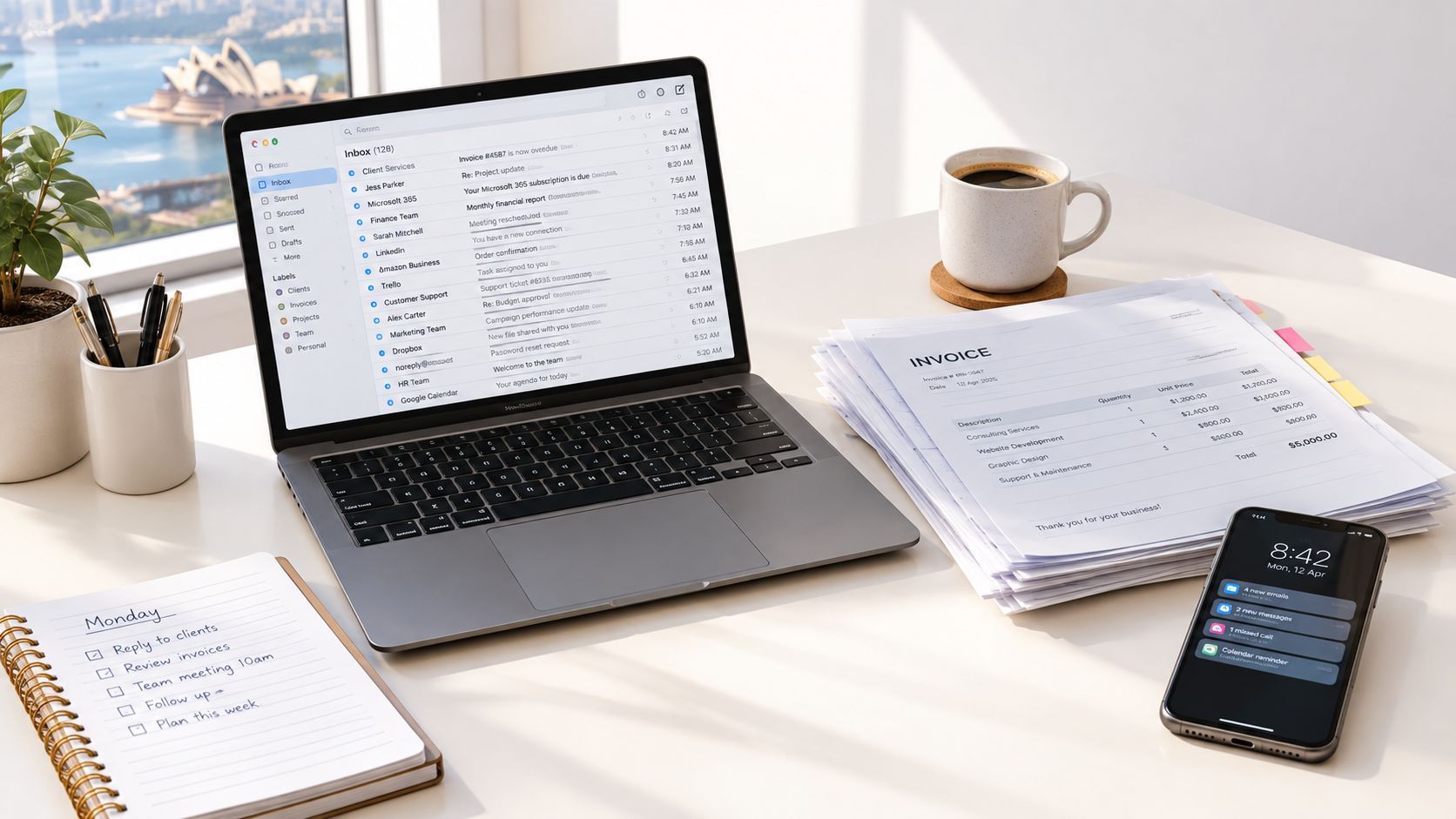
Monday morning in a service business often starts the same way. One tab has unpaid invoices, another has a supplier query, and your inbox has three half-written reminders waiting to be sent. The accounting file says one thing, the CRM says another, and somebody in the office is still asking who is chasing the overdue accounts.
That is the core problem with invoice automation software. If you treat it like a reminder tool, you keep the same chaos and just send it faster. If you treat it like an operating process, you can track every invoice with an owner, a due date, a next action, and a visible status until it is paid, written off, or disputed.
Table of Contents
- The Monday Morning Inbox Problem
- What Invoice Automation Software Does
- The Australian Business Case in Real Numbers
- Payment Design and Channel Choice
- From Messy Hand-Off to a Single Source of Truth
- Why More Reminders Is Not the Answer
- Integration, Security and Choosing What Fits
- A Practical 30-Day Plan and Where Truespeak Fits
The Monday Morning Inbox Problem
By Monday at 8:30, the same pattern is already visible. An ops manager is checking the accounts inbox for late payments, the office manager is copying overdue reminders into a spreadsheet, and someone else is trying to work out whether a client's “we'll pay it this week” message is a promise or just noise. That's not a collections strategy, it's scattered labour.
The Work Is Already There
The mistake most small businesses make is assuming the invoice problem is about writing cleaner follow-up emails. It isn't. It's about ownership, timing, routing and whether the invoice reaches the right person in a usable form.
That is why the ATO's warning matters. Australia processes approximately 1.2 billion invoices each year and many are sent to the wrong recipient or contain incorrect information, which creates avoidable admin work and payment delays (ATO). At that scale, manual chasing doesn't just waste time, it multiplies friction across the economy.
Practical rule: if an invoice can be lost, duplicated or chased by the wrong person, your system is broken before the reminder even starts.
A better setup links your accounting platform, CRM and messaging stack into one operating flow. That doesn't mean replacing everything. It means making sure the people who approve, send and chase invoices are all looking at the same live status instead of different versions of the truth.
For a useful adjacent example of how finance teams can improve accuracy in accounting, the lesson is the same, clean data beats heroic admin.
What Invoice Automation Software Does
Invoice automation software is a workflow layer that moves invoices from creation or receipt through validation, approval, reminders, payment and reconciliation. The accounting platform records the transaction. The automation layer moves the invoice through the work.
Think Like an Air Traffic Controller
Every invoice needs an identity, a route and a landing plan. The ID is the invoice record, the route is who owns it and where it sits, the runway is the due date, and the tower is the next action and current status. If any one of those is missing, someone ends up re-keying data or chasing payment blind.
In practice, the workflow usually includes these parts:
- Capture, pulling invoices in from email, PDF or a portal.
- Validate, checking the fields before anything gets pushed forward.
- Route, sending the invoice to the right approver or queue.
- Remind, prompting payment or approval at the right time.
- Sync, posting the approved result back into the accounting system.
- Exception handling, sending broken, disputed or incomplete items to a human.
The ATO-backed move to structured eInvoicing shows why this matters. Unlike emailed PDFs, structured eInvoices can move directly between accounting systems, which cuts manual download, printing, re-entry and reconciliation (ATO). That matters because the process stays inside a controlled workflow, instead of relying on someone to notice, forward and follow up on every invoice by hand.
If you want the same discipline across finance and operations, use tools that connect cleanly and keep a single invoice status visible to everyone involved. For teams that want to improve accuracy in accounting, the lesson is simple. Clean data beats heroic admin.
What It Is Not
A PDF upload with an approval button is not automation. A reminder tool that only sends nags is not collections control. And if invoice status sits across three systems, the follow-up mess is still there, just dressed up better.
Buy for process, not noise. Ask a blunt question, does it give you one reliable record per invoice, or does it scatter work across multiple tools and call that automation?
The Australian Business Case in Real Numbers
In Australian service businesses, invoice automation pays off because processing costs fall fast when the workflow is designed properly. The ATO says paper invoices cost about AUD 30 to process, emailed PDF invoices cost about AUD 27, and electronic invoices cost less than AUD 10 (ATO). The gap is in processing cost, not software features.
Where the Money Leaks
The first leak is the invoice itself. If a business is still handling PDFs and manual re-entry, it is paying staff to move data around instead of letting systems exchange it. The second leak is follow-up time, because Australian SMBs spend an average of 1.5 hours per week chasing payments, which works out to about 78 hours per year (BD-1940 Pursuing Payments 2025).
The third leak is cash flow drag. When invoices are late, disputed or lost, the money lands later. For an owner or ops manager, that is the true cost of poor invoice control, not just admin load.
Bottom line: if your process still depends on staff memory, you pay for delay twice, once in labour and once in slower cash collection.
The scale matters too. By August 2022, more than 18,000 Australian businesses were already using eInvoicing through Peppol (ATO). That shows structured invoice exchange is already in market. Even small gains per invoice add up quickly across a service business that bills regularly.
What to Measure in Your Own Business
Use your own invoice count, your own chasing hours and your own disputes. Do not buy software on a promise of magical savings. Measure whether the process gets cleaner, whether invoices move faster, and whether staff stop wasting time on avoidable admin.
Truespeak's business process automation approach is useful here because the same principle applies, automate the workflow, not just the task.
Payment Design and Channel Choice
The wrong question is, “How do we remind customers harder?” The right question is, “How do we make paying this invoice easier without wrecking the economics?” That distinction matters because payment method changes behaviour before reminder cadence does.
Compare the Rails, Not Just the Software
Zeller's 2025 Australian invoicing data found that invoices with an online card-payment option were paid on average seven times faster than invoices with only manual bank transfer, and 70% of card-link invoices were paid within 24 hours (Zeller). That doesn't mean every invoice should be pushed through a card link. It means payment design changes the speed of money, sometimes dramatically.
| Channel | Typical payment speed | Customer effort | Main trade-off |
|---|---|---|---|
| Card link | Fastest for many SMB invoices | Low | Fees can eat the benefit |
| Direct debit | Fast once set up | Low after authorisation | Setup friction and mandate management |
| PayTo | Fast for supported customers | Low | Adoption and customer readiness vary |
| Bank transfer | Slower and manual | Medium to high | Familiar, but easy to delay |
| Structured eInvoicing | Efficient for compliant business-to-business flows | Low once enabled | Requires system support and adoption |
The channel choice should match the invoice type and customer segment. A card link can make sense for smaller service invoices where speed matters more than fee minimisation. Bank transfer can still suit larger or relationship-sensitive invoices where customers expect it and reconciliation is manageable. Structured eInvoicing is the cleaner option when both systems can support it.
Faster Doesn'T Always Mean Better
Card payment can improve cash flow, but it can also create new costs through fees, refunds or failed transactions. So don't confuse payment speed with net value. You need to know what each method does to admin load, reconciliation and customer acceptance.
That's why invoice automation should present the right payment path inside the workflow, not force one default on everyone. A good system lets you route by invoice type, customer profile and payment preference instead of pretending every customer behaves the same way.
From Messy Hand-Off to a Single Source of Truth
Most invoice problems start as hand-offs. One person sends the invoice, another watches for payment, someone else answers the customer's query, and a fourth person updates the spreadsheet if they remember. That's a relay race where the baton keeps getting dropped.
Build the Workflow in the Right Order
- Map the current process. Document every step from invoice creation to payment or write-off. If a step lives in someone's head, it's not a step.
- Choose one source of truth. Every invoice needs one record with owner, stage, due date, next action and status.
- Automate capture and reminders. Let the system do the repetitive work, not the human memory.
- Add approval gates. Sensitive actions, disputed invoices and relationship-heavy follow-ups need human review.
- Define exception routes. If the invoice fails validation, gets disputed or lacks evidence, it goes to a human queue.
Australian Commonwealth guidance is clear that payment timing can begin only after a software-supported three-way match confirms the invoice agrees with contract terms, delivered goods or services and the expected amount, with eligible Commonwealth eInvoices targeted for five-day payment (ATO). That's the point many businesses miss, the payment clock should start when the invoice is valid, not when somebody hit send.
Don'T Automate the Mess
If your current hand-off is broken, automation will just make the wrong process faster. That's the common failure. Teams spend time building reminders around bad data, incomplete approvals or no clear ownership, then wonder why results don't improve.
For bookkeeping and record-keeping discipline, the BAS and GST record keeping guide is a useful reference point because invoice automation still depends on clean source records, not vibes.
A tight operating model keeps people in control where judgement matters and machines in control where repetition wastes time. If an invoice is disputed, missing evidence or tied to a milestone claim, a person should decide the next move. If it's routine, the workflow should handle it without drama.
Why More Reminders Is Not the Answer
Most businesses don't have a reminder problem. They have a decision problem. If an invoice is overdue because it's disputed, missing approval or stuck behind a buying process, a louder email doesn't fix it.
Split the Path by Risk
The 2025 Atradius Payment Practices Barometer found that more than half of Australian B2B invoices were overdue, bad debts affected just over 10% of invoices and average days sales outstanding was about 42 days (Atradius). That's why one reminder sequence for every customer is lazy. It treats a chronic late payer the same as a customer waiting on missing job evidence.
Use the reminder only after the invoice state is clear. If the invoice is disputed, the task is resolution. If it's valid and overdue, the task is follow-up.
A sane collections workflow usually needs separate paths for:
- Low-risk nudges, where a polite sequence is enough.
- Disputed invoices, where a person should review evidence.
- Sensitive relationships, where escalation needs approval.
- Chronic late payers, where the message, timing and channel should change.
- Account management hand-offs, where the issue belongs with a human conversation, not another automated nudge.
Measure the Right Outcome
If you only measure emails sent, you'll optimise for activity, not cash. Better metrics are promised-payment conversion, dispute resolution time and overdue balance. Those tell you whether the workflow moved money.
Truespeak's invoice reminder automation sits in this part of the stack, where the job is to queue routine follow-ups and escalate sensitive cases instead of blasting the same message at everyone.
Escrow Consulting Group's receivable management guide is also a decent benchmark for the broader mindset, because receivables need active management, not passive waiting.
Integration, Security and Choosing What Fits
A lot of SMBs buy invoice tools the way they buy apps, then wonder why nothing fits. The test is integration depth, control, and whether the system respects how your business already works. If the tool cannot connect to your accounting platform cleanly, it will create a second set of records and a second set of headaches.
What to Check Before You Buy
Look for a platform that preserves approval controls, sends exceptions to a human queue, and syncs back to the accounting file without duplication. It should also work around your CRM rather than forcing you to rebuild client data from scratch. If the software hides the exception path, it is creating risk, not reducing it.
Ask the vendor whether structured eInvoicing is native or an add-on, because the answer changes your onboarding cost. Ask the same question about approval gates and exception routing. If those pieces sit outside the core product, you are signing up for more setup work and more manual maintenance.
The shortlist should ask four blunt questions:
- Does it integrate with our accounting system properly? Not a loose export, a real sync.
- Does it preserve approval gates? No straight-through processing for sensitive items.
- Does it route exceptions to humans? Disputes and missing data need attention.
- Does it fit the current CRM and comms stack? The tool should support the business, not rewrite it.
Where a Managed Operations Layer Fits
A managed AI operations partner can sit between your accounting system, CRM, and reminder workflows. It watches exception queues, tunes follow-up logic, and keeps the operating rules current as the business changes. That is different from buying another platform for your team to babysit.
If you are comparing stack options, start with the workflow, then check the integrations. Truespeak's Xero integration guide for service businesses is useful where invoice status and customer context need to stay aligned.
The practical question is simple, do you want more software, or do you want the workflow run properly?
A Practical 30-Day Plan and Where Truespeak Fits
Start with a clean process map in week one. Identify every invoice state, every hand-off and every exception. By the end of the month, every invoice should have an owner, a due date, a next action and a visible status.
A Simple 30-Day Sequence
- Week 1: Map the current workflow and name the owner for each stage.
- Week 2: Choose one source of truth and connect it to the accounting system.
- Week 3: Automate capture, reminders and exception routing.
- Week 4: Add approval gates, test disputed cases and measure overdue balance and promised-payment conversion.
For an Australian service business, that's enough to stop the obvious leakage. You don't need a giant transformation project, you need a reliable operating layer that keeps the invoice visible and moves it forward.
Truespeak designs and runs that kind of workflow around existing tools, including invoice reminder automation, CRM automation, business process automation and managed AI operations. If you want the work done properly, with human review where it matters and automation where it doesn't, visit Truespeak and ask for a practical invoicing workflow review.