
You can have a clean website, a decent CRM, and a steady flow of enquiries, yet still lose work because nobody owns the next step. A form comes in after hours, an email sits in a shared inbox, a referral gets mentioned in a call, and someone says, “I'll follow that up tomorrow.” By the time the team gets back to it, the lead has gone cold, the quote is late, or the job has already been booked elsewhere.
AI automation is the operating layer that helps stop that leakage. In service businesses, it's less about replacing people and more about making sure every enquiry is captured, routed, followed up, and kept visible until it's won, lost, disqualified, or nurtured.
Table of Contents
- The Reality of Fragmented Enquiries
- Understanding AI Automation in Australia
- Traditional Automation vs AI Automation
- Key Use Cases for Service Businesses
- Benefits, Risks, and Governance
- Getting Started with Managed AI Operations
- Moving Forward with Confidence
The Reality of Fragmented Enquiries
Most Australian service businesses don't lose leads because they lack demand. They lose them because enquiries arrive in too many places at once, then depend on memory, inbox discipline, or whoever happens to be available.
A builder might get a form submission, a text from a referral, and a voicemail from an existing customer in the same hour. An installer might have new work sitting in an admin inbox while the operations manager is already on site. A small professional services firm can end up with the same prospect in a spreadsheet, a CRM, and someone's personal notes, which creates duplicate work and muddled ownership.
That fragmentation causes three predictable problems. Responses slow down, follow-up becomes inconsistent, and nobody has a clear view of what's stalled.
If an enquiry can sit in more than one place, it can also disappear in more than one place.
That's why the practical question isn't “Should we use AI?” It's “How do we make sure every lead gets a visible owner, a next action, and a response expectation?”
For many teams, the answer starts with basic workflow discipline before any clever tools. Capture the enquiry once, assign it once, and keep the record moving through one system until the opportunity is closed out. If you're still deciding where to begin, a simple framework for business process automation is usually more useful than another software feature list.
Understanding AI Automation in Australia
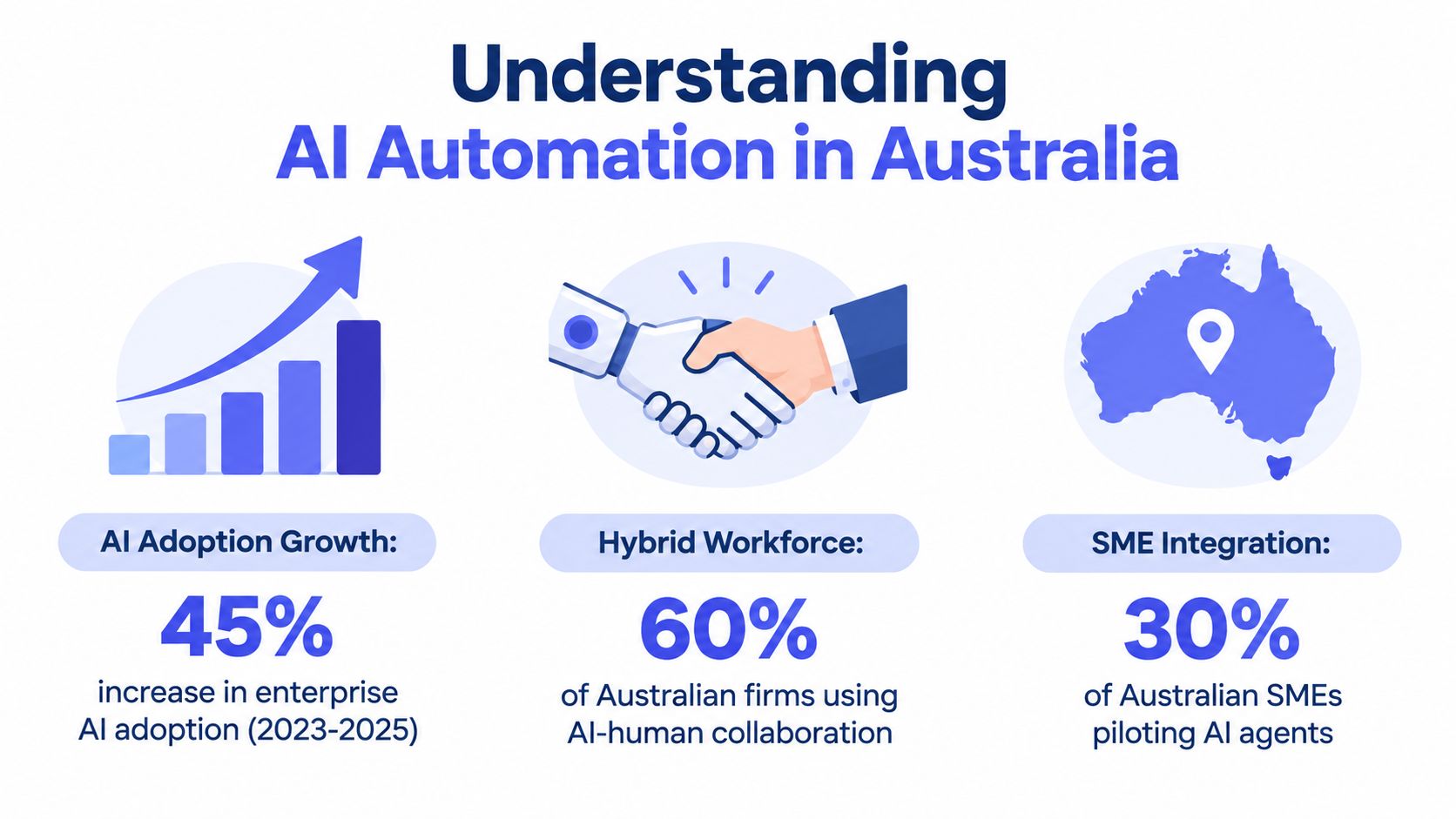
In Australia, AI automation is already moving beyond pilots. Deloitte's 2026 AI report says 69% of Australian organisations are using autonomous AI agents, 57% are deploying physical AI such as robots and automated machinery, and 28% have moved at least 40% of their AI pilots into production. The same report also shows the gap between experimentation and real transformation, with only 12% of Australian leaders saying generative AI is already transforming their business or industry, compared with 25% globally, and only 30% saying they are using AI to deeply transform ways of working. (Deloitte Australia AI report)
That matters because AI automation isn't just a chat interface with a smarter reply. It's the conversion of repetitive, rule-based work into machine-executable workflows that still need human oversight for exceptions. In practice, that means the system can read, route, draft, remind, classify, and escalate, while people keep control of judgement-heavy decisions.
The Australian labour market context points in the same direction. The Department of Employment and Workplace Relations reported in July 2026 that there's no evidence yet of broad AI-driven labour-market upheaval in Australia, even though occupations more exposed to generative AI have grown more slowly than less exposed ones since November 2022. Specifically, employment in the most AI-exposed occupations rose 5.6% versus 9.5% in the least exposed occupations over that period. (DEWR AI and employment in Australia)
For service businesses, the practical reading is simple. AI automation works best where the work is structured, repetitive, and high-volume. It's a fit for lead response, follow-up, intake, CRM hygiene, and invoice reminders, not for handing the whole business to a black box.
If you're looking at a clinical environment, a useful adjacent example is medical practice automation for Australian clinics, because the same principles apply, capture the input cleanly, route it correctly, and keep exceptions visible.
Traditional Automation vs AI Automation

Traditional automation follows fixed rules. If a lead fills out a form, it sends an email. If an invoice is overdue, it sends a reminder. That's useful, but it breaks when the input gets messy, incomplete, or slightly unusual.
AI automation handles the grey area better because it can interpret context. A lead message that says “need help after a water leak, can someone call me this afternoon?” doesn't need a rigid script first, it needs capture, classification, urgency handling, and routing to the right person. That's where AI earns its place inside a workflow.
A good comparison is this:
- Traditional automation moves data along a preset path.
- AI automation makes a judgement inside a controlled path.
- Traditional automation fails when the input varies too much.
- AI automation can tolerate variation, then escalate the edge cases.
The technical difference matters less than the operational one. You don't want automation that looks impressive in a demo but falls apart the moment a customer writes in plain English, uploads the wrong file, or replies with an exception.
For teams that want more structure around low-code systems and guardrails, the low-code workflow governance guide is a useful lens because governance is where most real-world automations succeed or fail.
Once you've got the workflow right, the tool choice matters less than the discipline around it. The system should route the easy cases, pause the risky ones, and keep a human accountable for anything that affects revenue, customer experience, or compliance.
Key Use Cases for Service Businesses
The strongest use cases are the ones that remove delay from everyday operations. Lead response is the obvious one, because speed matters the moment someone enquires. A benchmark cited in Australian lead-response research says the odds of contacting a lead can drop up to 100 times between minute 5 and minute 30 after enquiry, which is why immediate acknowledgement, routing, and next-step booking are so valuable. (Australian lead-response benchmarks)
Where the Work Usually Leaks
Start with the workflow that already feels messy. In many businesses that means enquiries arriving by form, email, referral, and spreadsheet, then being manually copied into a CRM. That's where speed-to-lead automation and lead follow-up automation do the most practical work, because they reduce the chance that a hot lead waits for a human to remember it.
The same logic applies after the first response. Intake needs structure, so quotes, briefs, photos, and notes arrive in a usable format instead of being reconstructed later. Intake automation helps here because it turns scattered messages into a clean handoff.
The best automation isn't the flashiest one, it's the one that removes a daily manual habit your team keeps tolerating.
CRM hygiene is another quiet win. Records age badly when no one owns them, and stale data makes every forecast and follow-up sequence less reliable. CRM automation helps keep ownership, stage, and next action visible.
Cash Collection and Admin
Invoice reminders deserve attention because they're repetitive, easy to delay, and awkward to do by hand. Xero's Australian invoicing documentation says its auto invoicing software watches for payments and sends reminder emails before or after the due date, and reminder tools can be set to control timing and frequency. That means reminder automation can be built around due dates and escalation rules, not memory. (Xero invoicing reminders)
If your work involves scheduling crews, visits, or on-site jobs, it also helps to think about route and job sequencing. A practical reference point is route optimization software for service business owners, because automation is often strongest when it reduces travel friction, follow-up friction, and admin friction together.
The common thread is simple. AI automation is most useful when it protects revenue leakage, keeps work moving, and makes the next action obvious.
Benefits, Risks, and Governance
The benefit of AI automation is consistency. It does the boring work the same way every time, which matters when a small team is juggling live jobs, enquiries, invoices, and internal admin. CSIRO's Australia's AI ecosystem momentum report found organisations adopting AI-enabled solutions reported average time savings of 30% across each AI-enabled initiative, alongside average incremental revenue of AUD 361,315 per initiative. (CSIRO AI ecosystem momentum report)
But the risk is just as clear. If the workflow is unclear, the input is poor, or nobody is reviewing exceptions, automation amplifies the mess instead of fixing it. That's why human-in-the-loop design matters.
Automation should handle the repeatable path, people should handle the exceptions, the relationship moments, and the decisions that carry risk.
A managed approach is often better than a one-off build because live workflows drift. Staff change how they write notes, customers change how they respond, and the business changes its offers. The system needs tuning, not just setup.
For a deeper look at that operating model, human-in-the-loop automation is the right concept to study because it keeps review gates, exception handling, and accountability in the design. The goal isn't to make every decision automatic. It's to make the routine parts reliable enough that people can spend more time on the parts that actually need judgement.
Getting Started with Managed AI Operations
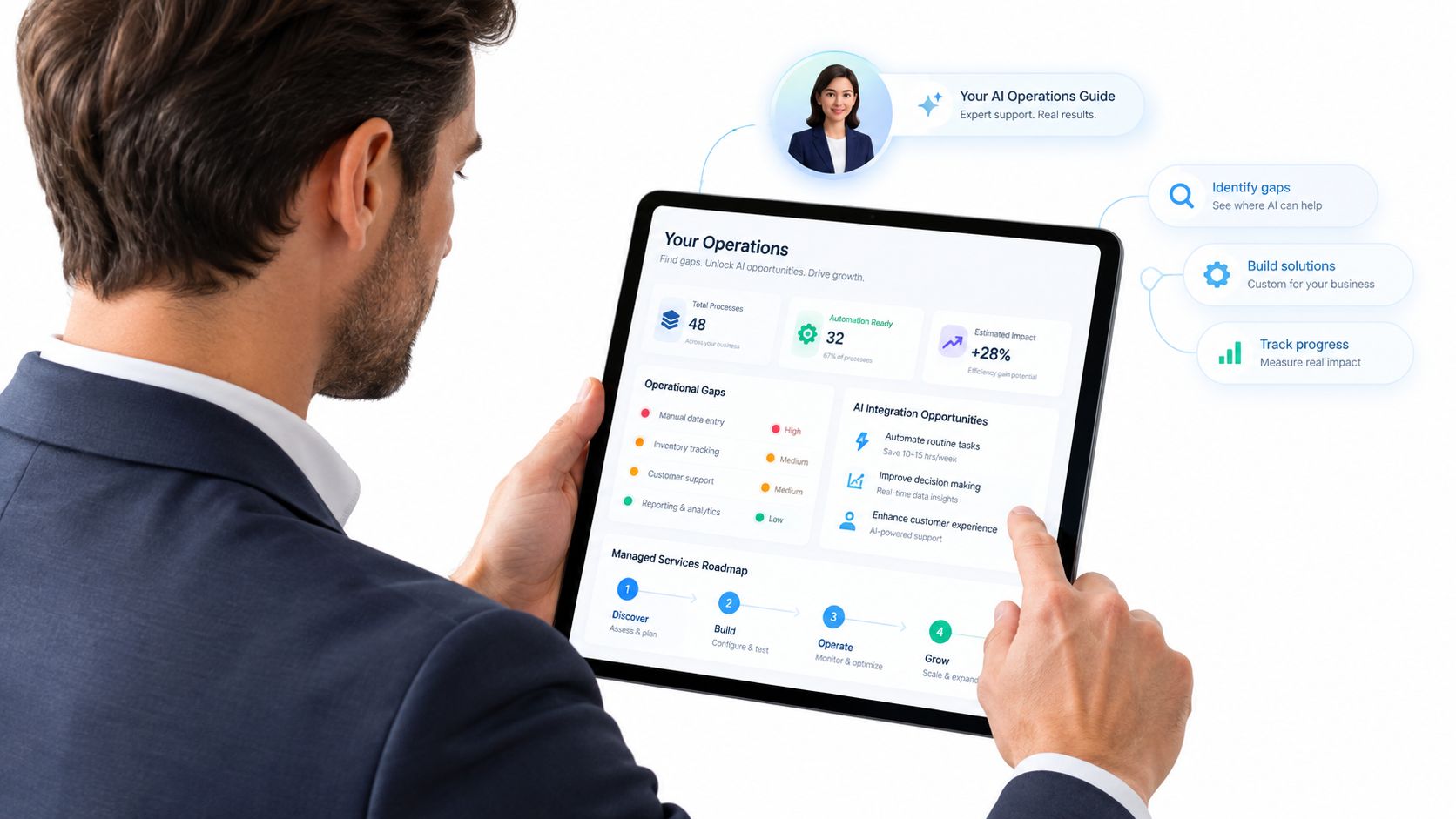
A sensible first step is to map where work is already slipping. Look at enquiries waiting in inboxes, quotes with no next action, CRM records with no owner, invoices that rely on manual chasing, and handoffs that depend on someone remembering to update a spreadsheet.
Then keep the first build small. The smallest useful system is usually the one that connects one source of enquiry to one CRM, assigns one owner, and sends one follow-up sequence. If that works, expand it carefully. If it doesn't, the problem is visible early and cheap to fix.
That's why a managed service model is often a better fit for growing Australian service businesses than another tool subscription. You need someone to design the workflow, connect it to the stack you already use, monitor the edge cases, and adjust it when real customers behave differently from the test scenario.
Truespeak's managed AI operations follows that pattern by focusing on ongoing monitoring, tuning, approval gates, reporting, and exception handling rather than a set-and-forget install.
The real question isn't whether a workflow can be automated. It's whether someone will still own it after launch.
If you're comparing options, start with the process, not the software. Ask which lead sources are leaking, which admin tasks are repetitive enough to standardise, and where a human review is still needed before anything goes out the door.
Moving Forward with Confidence
AI automation makes the most sense when it behaves like an operating layer, not a stunt. It should capture the enquiry, route the work, protect the exceptions, and keep the team focused on the decisions that actually need people. That's how service businesses get value without losing control.
The best results come from small, visible wins. Fix first response, clean up follow-up, stabilise intake, and tighten CRM hygiene before trying to automate everything at once. Once those basics are working, the business has a stronger foundation for scale.
If you're in that stage now, treat automation as a managed capability, not a one-off project. The businesses that keep the gains are the ones that review, tune, and improve the system after launch, because that's where real operational discipline lives.
If you want a practical partner to design and run AI workflows around lead response, follow-up, intake, CRM hygiene, and invoice reminders, visit Truespeak to see how managed AI operations can fit around the tools your team already uses.